Countrylayer Sign-Up Is Now Part of APILayer
New Countrylayer customers can now sign up through APILayer to access country data and manage API services through one

Press Release Disclaimer: This is a press release distributed through the XPR Media network. It has not been independently verified by our newsroom.
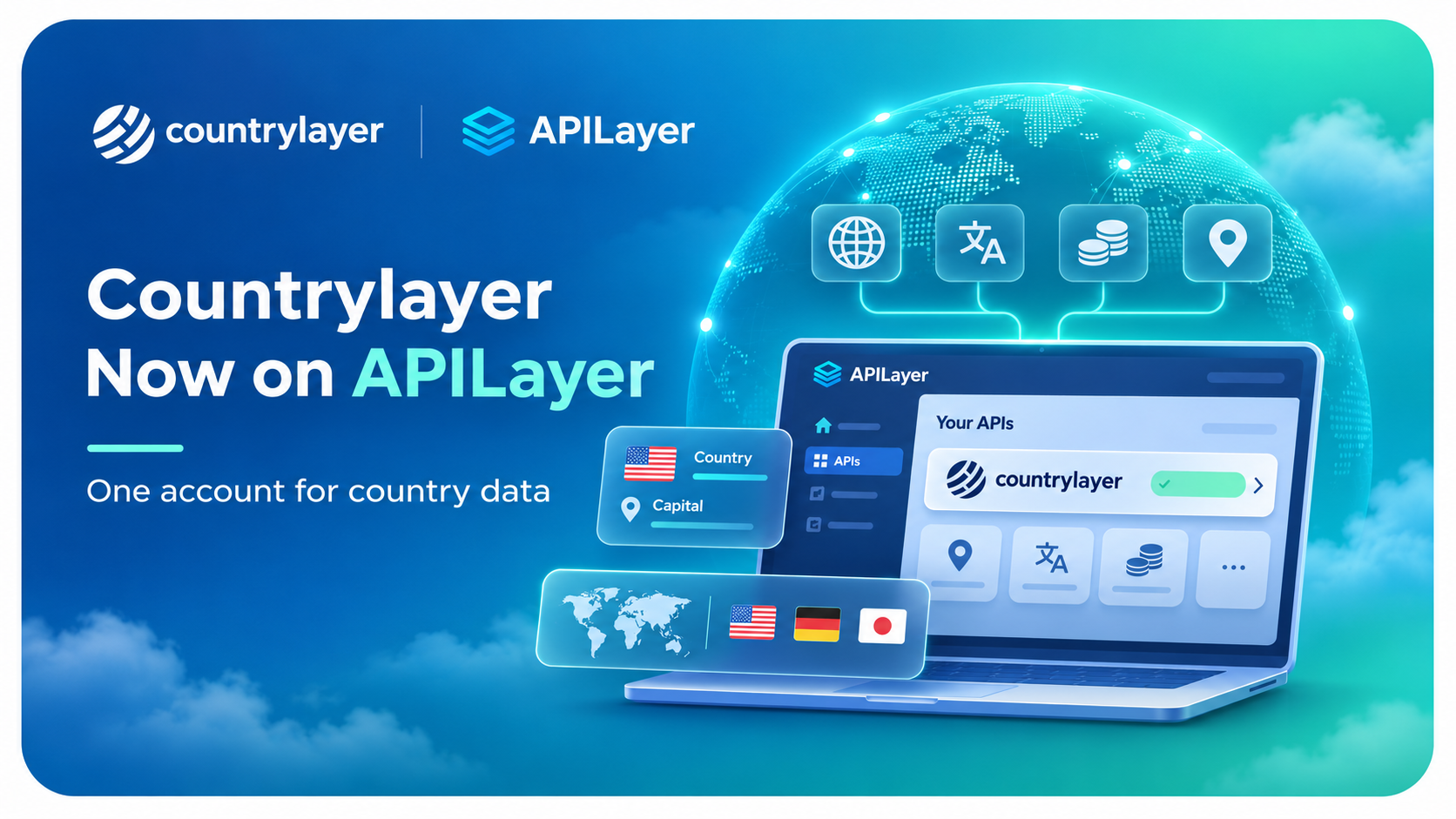

New Countrylayer customers can now sign up through APILayer to access country data and manage API services through one account.
AUSTIN, TX, UNITED STATES, November 27, 2026 /EINPresswire.com/ — New Countrylayer customers can now get started through APILayer. The country data API keeps its familiar capabilities, while new users receive an APILayer account and dashboard, a simpler starting point for applications that depend on country information and other data services.
What’s changing
Countrylayer’s registration path is moving into the unified APILayer sign-up experience for new customers. When you begin a new Countrylayer registration, you are directed to APILayer, where you create an account, obtain your API key and manage access to the service.
This is an account and onboarding change, not a new Countrylayer data release. The API continues to provide structured information about countries, including country and region identifiers, capital cities, languages, currencies, and other reference details supported by the API.
Country data for global applications
1. Localize user experiences
Country reference data can help applications present regional selections, international onboarding flows and location-specific information consistently. Instead of maintaining a static list of countries and associated attributes in multiple services, developers can use a dedicated API as a reference source.
2. Support international data workflows
Country codes, languages and currencies can provide useful context for forms, reporting and downstream processing. A product serving multiple markets may use Countrylayer to populate country selectors or relate country identifiers to the language and currency information needed elsewhere in the application.
Countrylayer remains focused on these country-information capabilities. The signup change does not introduce new data fields or broaden the API’s coverage.
One APILayer account for more than one data need
With APILayer, new Countrylayer users can discover adjacent APIs from the same developer ecosystem. A global registration flow, for instance, could combine country reference information with phone-number validation or an address-to-coordinate service when those capabilities are needed.
– Unified dashboard: Manage APILayer subscriptions and review usage in a central account experience.
– Shared account key: Use your APILayer API key with the APIs activated in that account, according to the applicable product plan.
– Complementary APIs: Explore location, verification and other data services without creating a separate APILayer login for each one.
What it means for existing users
Existing Countrylayer customers:
– Continue using countrylayer.com to sign in.
– Keep existing subscriptions and the API key provided.
– No mandatory migration of current integrations.
New Countrylayer customers:
– Users are automatically redirected from countrylayer.com to the APILayer sign-up form.
– Receive one API key tied to an APILayer account.
– Use APILayer for account and usage management.
An existing Countrylayer account does not automatically become an APILayer account. If you already have an integration, keep using your current authentication and request configuration. New integrations created via APILayer should follow the ecosystem documentation for the appropriate gateway URL and API key.
The API’s core functionality and pricing are not changing as part of this signup transition. There are no announced endpoint removals or deprecations tied to this release.
How to get started
Open Countrylayer’s APILayer product page, select the signup option and create an APILayer account. Once your access is active, use your dashboard key and the documented Countrylayer endpoint to request country information. Start with a lookup for a country relevant to your application, then test the fields your workflow actually consumes.
Before deploying, review the reference fields, expected response structure and error handling. If you already have a legacy Countrylayer integration, no action is required simply because signup now takes place on APILayer.
Documentation and changelog
See the Countrylayer documentation for API usage and the APILayer product page for registration.
[Add the registration-change entry to the changelog when published.]
Get started
Build with Countrylayer’s existing country data capabilities, and use APILayer to discover additional APIs for international applications.
Explore Countrylayer on APILayer
Emiliano Trozzi
APIlayer
+1 512-226-8080
marketing@apilayer.com
Visit us on social media:
LinkedIn
Instagram
Facebook
YouTube
X
Other
Legal Disclaimer:
EIN Presswire provides this news content “as is” without warranty of any kind. We do not accept any responsibility or liability
for the accuracy, content, images, videos, licenses, completeness, legality, or reliability of the information contained in this
article. If you have any complaints or copyright issues related to this article, kindly contact the author above.

Media gallery